What it looks like
Click a picture to see it full size.
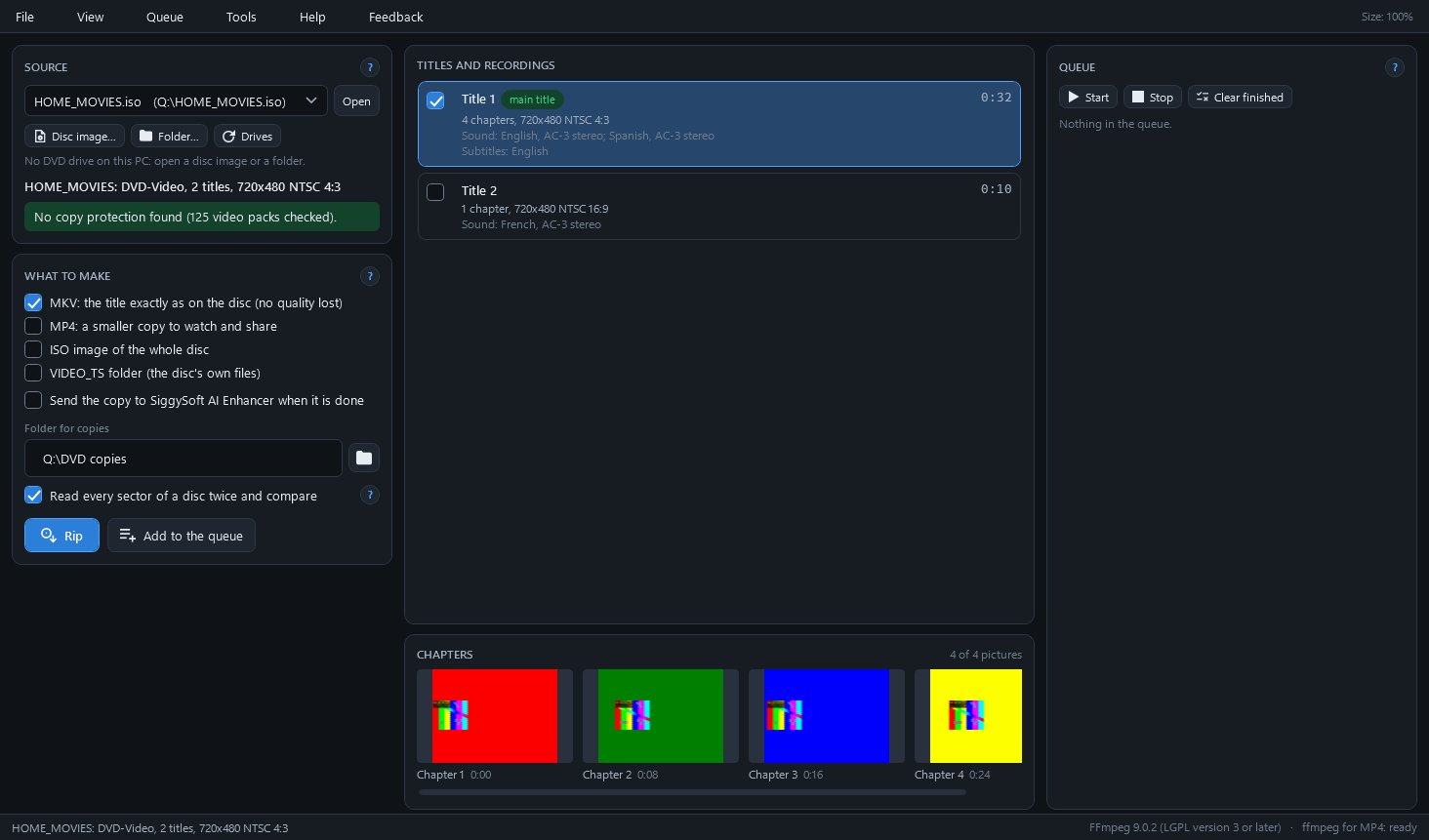
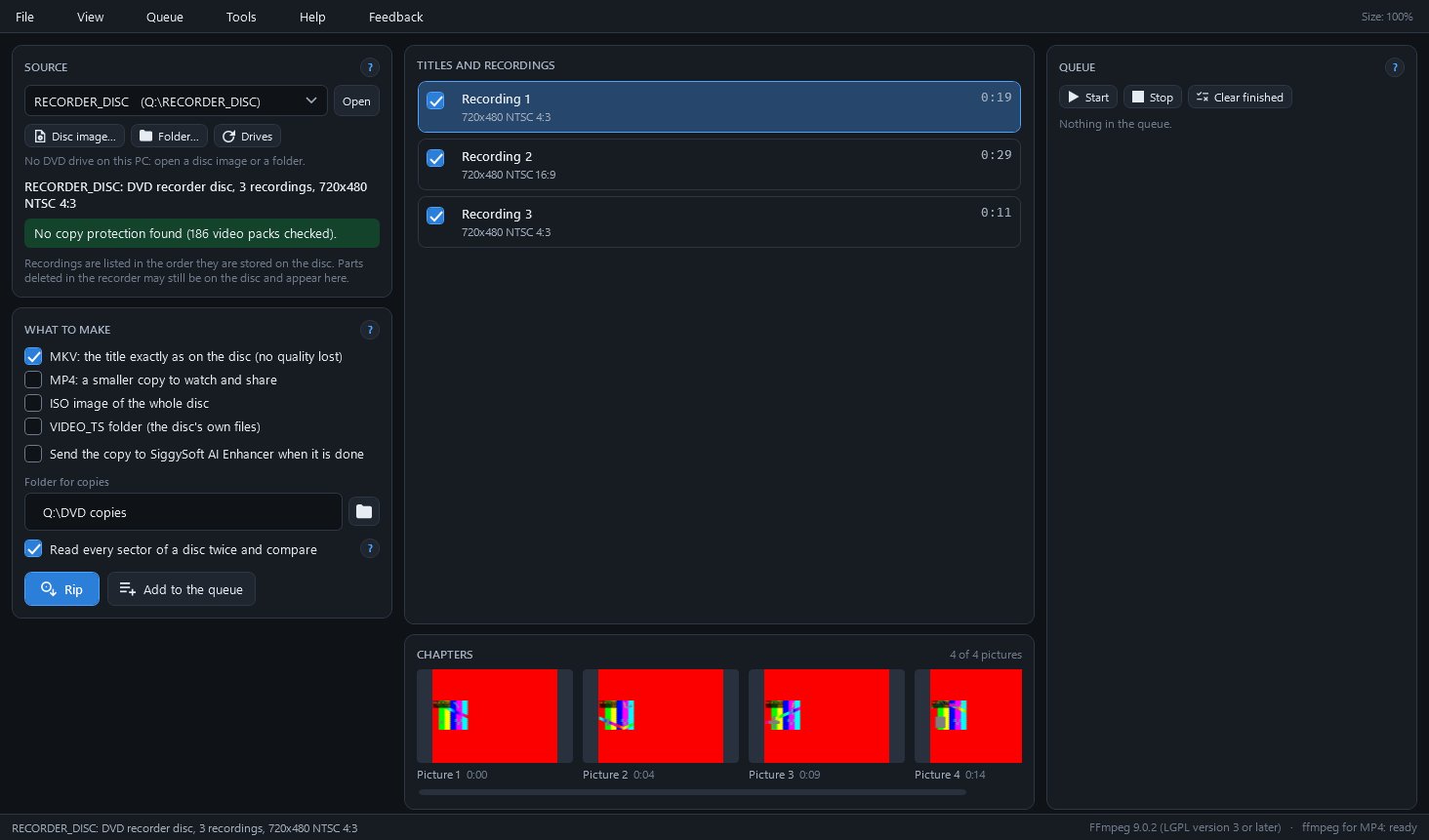
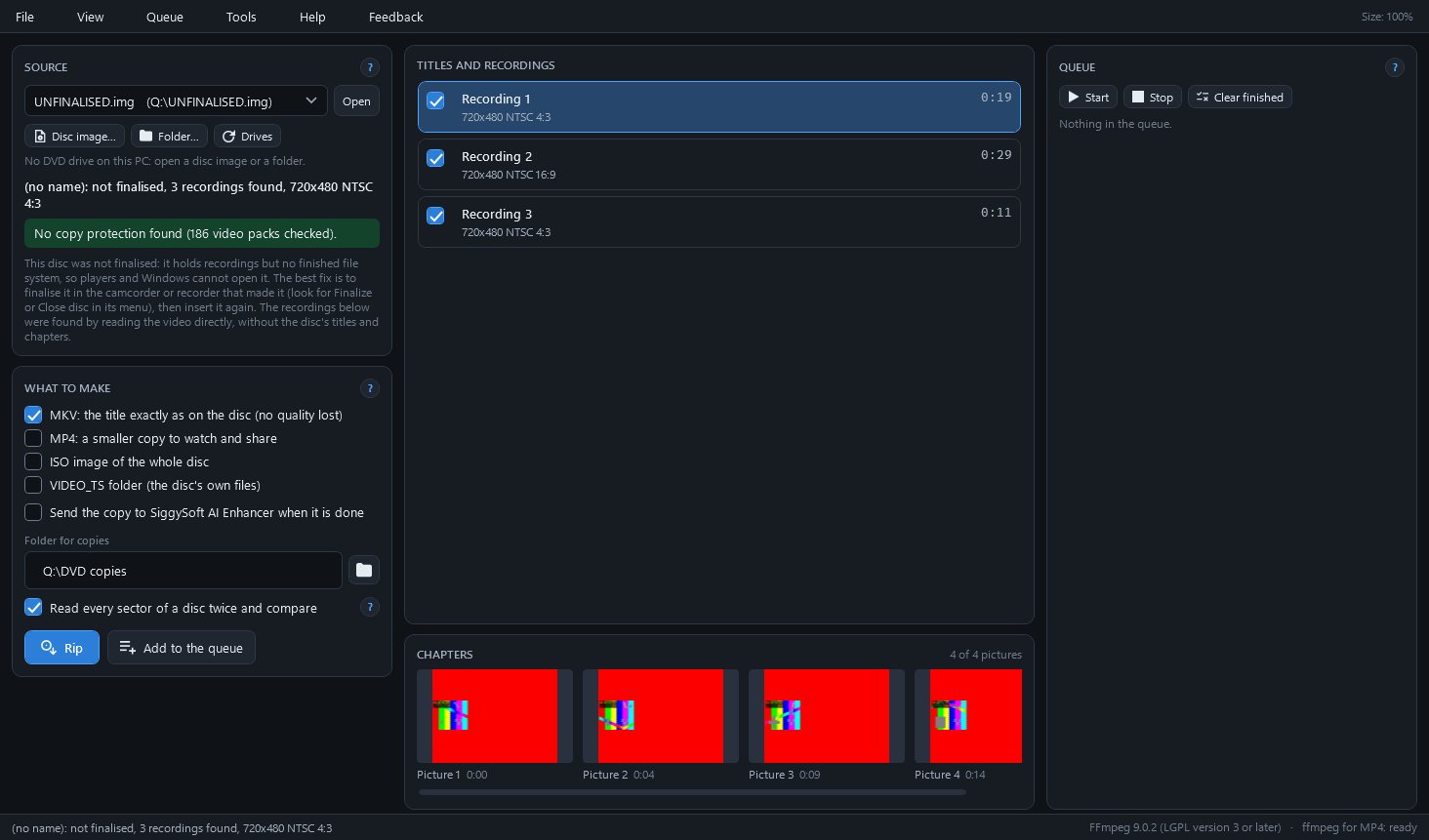
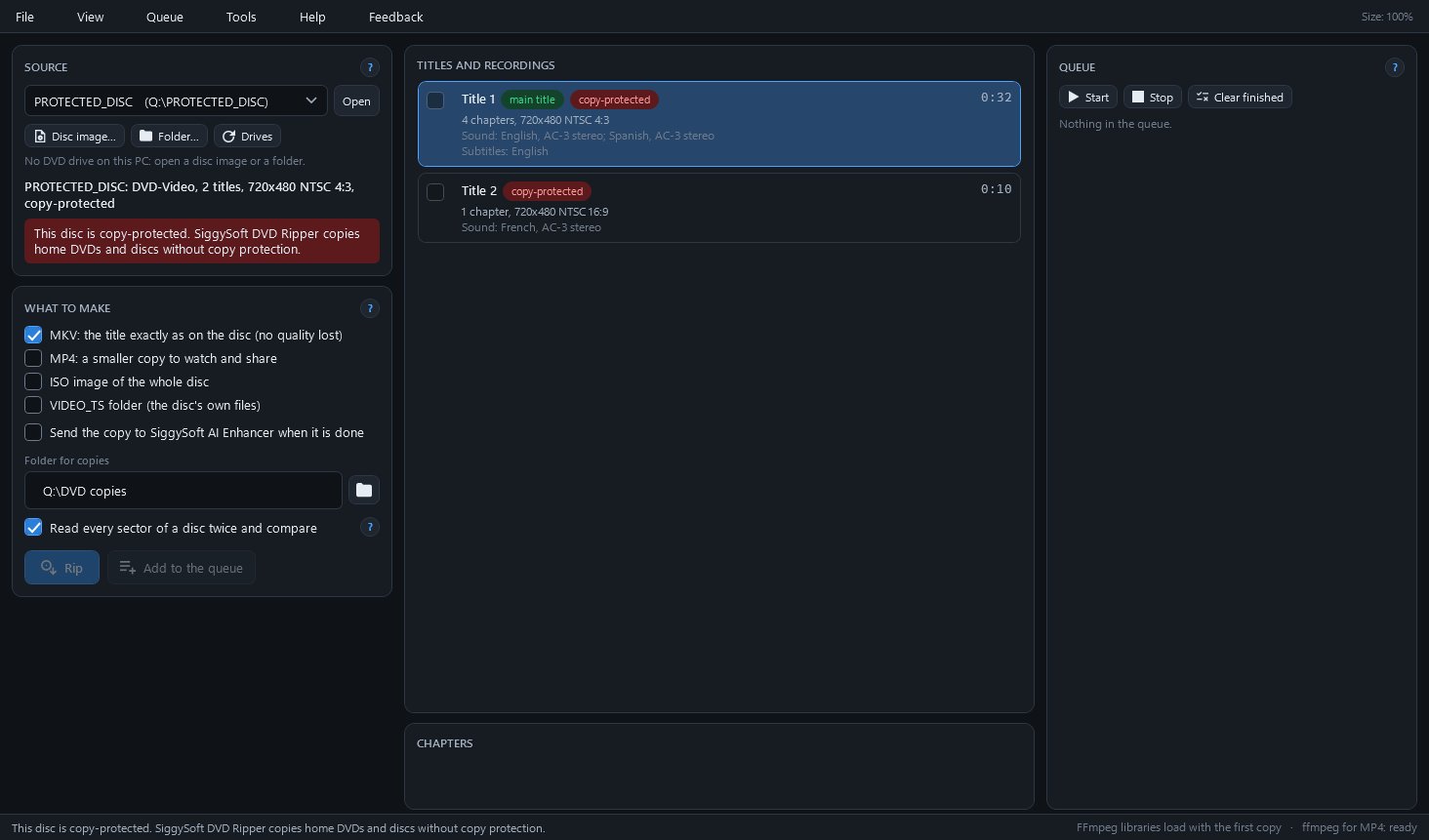
Copies home DVDs, recorder discs and disc images to MKV, MP4 or ISO files on your PC.
SiggySoft DVD Ripper copies home DVDs to files on your PC: discs from camcorders and DVD recorders, DVD-RAM and DVD-RW discs recorded in a recorder's own format, 8 cm camcorder discs, disc images (.iso) and VIDEO_TS folders. It keeps the disc's picture and sound as they are in an MKV, or makes a smaller MP4 to watch and share. Scratched discs are read in passes, and a report names the minutes that could not be read. It is for people copying their own recordings. It does not copy discs with copy protection, such as films bought on DVD: it says so and writes nothing.
Finalised camcorder and recorder discs, DVD-RAM and DVD-RW discs in a recorder's own format, 8 cm camcorder discs, disc images and VIDEO_TS folders. On a recorder's disc each recording becomes a file of its own.
The MKV keeps the disc's MPEG-2 video and every sound track without re-encoding, with the chapters, the languages and the subtitles in the disc's own colours. The MP4 turns interlaced video into one picture per field, 59.94 a second for NTSC and 50 for PAL.
A disc is read in passes, with up to three slow retries per unreadable sector, and by default every sector is read twice and compared. The report says where the gaps fall, for example "Title 1: 0:15 to 0:16 (11 sectors, unreadable)".
Each finished file is read back and its SHA-256 written to a checksum file beside it. Later, for example after copying to a backup drive, Tools > Check a copy names any file that changed or went missing.
Joining is free and takes your e-mail address only. Already a member? Sign in and the download is here.
Click a picture to see it full size.
| Part | What it does |
|---|---|
| Source | The DVD drives and the images and folders opened before, with a copy-protection line that is green when none was found and red when the disc is declined. |
| What to make | MKV, MP4 (H.264 or HEVC, with its deinterlacing), ISO image and VIDEO_TS folder, the folder for copies, and Read every sector twice. |
| Titles and recordings | One card per title or recording with its length, chapters, picture size, sound tracks and subtitles; the longest title is marked main title and ticked. |
| Chapters | The first picture of each chapter of the selected title, or four pictures spread across a recording, so the right title is easy to find. |
| Queue | Every copy waiting, running or finished, one disc at a time; Disc after disc opens the tray when a copy ends and copies the next disc put in. |
| Catalogue (Tools menu) | Every disc copied, with the date, its files, how long the copy took and how many seconds were affected by damage. |
| Setup check (Tools menu) | What the program needs, each line marked READY, NEEDED, WORKS WITHOUT IT, OUT OF DATE or INFO, with a button where the program can fix it. |
| Feedback menu | Report a problem, suggest a feature, ask a question or say thanks, and see exactly what will be sent before anything leaves the PC. |
To check the download, run Get-FileHash SiggySoftDvdRipper-1.0.2-Setup.exe in PowerShell and compare the result with the SHA-256 above.
SiggySoft DVD Ripper sends nothing in the background: no usage counts and no crash reports. The FFmpeg libraries (77 MB, from an open-source project's public builds, checked against their published SHA-256), the ffmpeg program and the deinterlacer are downloaded only when you press Install on the setup check. The program reads the .NET release list (7 KB) once a day and a copy installed with Setup looks for a new version on www.middlesiggy.com at every start, both of which Settings turns off; a Feedback report leaves the PC only when you press Send. See the site's privacy policy.
What the recent versions added, newest first. The full list is in the manual.
Version 1.0.2 · 2026-10-26
Version 1.0.1 · 2026-10-06
Version 1.0.0 · 2026-10-06
The program's Help menu opens the manual. To report a problem or suggest an idea, use the Feedback menu in the program: you see everything before it is sent. Or write through the contact page.